Full exam lockdown
Fullscreen kiosk mode blocks alt-tabbing, closing the window, and other common ways students try to leave an exam mid-test.

Works with zero internet
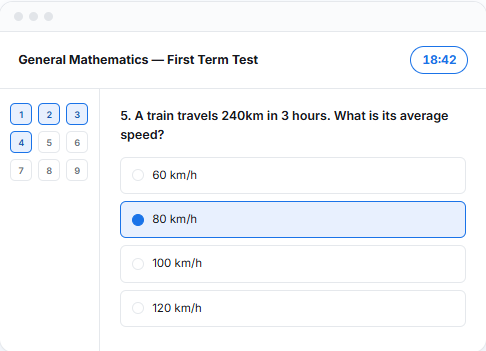
Every part of SmartTeller CBT assumes the internet might not be there, because on exam day, it often isn't.
Fullscreen kiosk mode blocks alt-tabbing, closing the window, and other common ways students try to leave an exam mid-test.
Multiple choice and true/false questions are scored the moment a student submits — no manual marking, no waiting.
Build a question bank in Excel or CSV and import hundreds of questions in seconds — no manual typing required.
Students enter their name and matric number to start, nothing to register, reset, or sync across computers.
Set a duration per exam. The test auto-submits the instant time runs out, no extra time by accident.
Questions and results are stored locally on each machine. Nothing needs to reach a server to run an exam.
Three steps, and only the first one needs an internet connection.
Install only on computers, no internet required to run a test once it's set up.